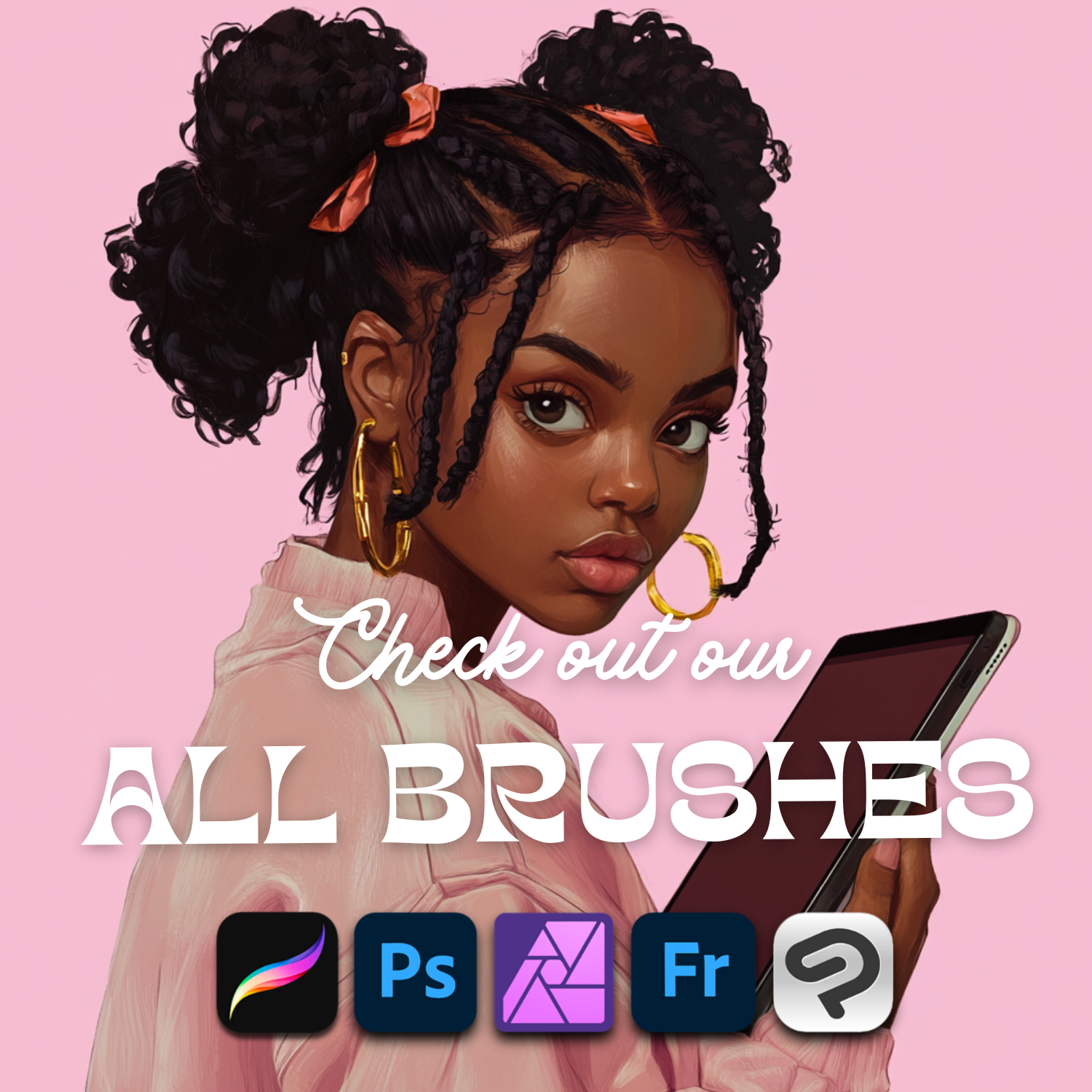

Procreate & Photoshop brushes
Draw poses, portraits & more in minutes
Stamp and texture brush sets for digital artists: tap to place a pose, a face or an object, then draw over it. Instant download, commercial license included.

Megapacks: the best value
Dozens of our brush sets in one download. Everything in one theme for one price, ready for Procreate and Photoshop.


Brush Club 💕
A new club-exclusive brush set every week, 4 a month, for $20/month or $149/year (48+ sets). Ready for Procreate, Photoshop, Adobe Fresco, Clip Studio Paint and Affinity Photo, with a commercial license.
- Join for $20/month or $149/year, cancel anytime
- Get a new set in your RevaBrush account every week
- Chat with Alina and other artists in our members-only Discord
- Vote for next month's themes
- Club sets are unique and made only for members. Shop sets and Megapacks are sold separately.
- 1 exclusive set every week
- Members-only Discord
- .brushset + .abr files
- Instant downloads in your account
- Commercial license
진짜 아티스트. 진짜 스토리. 진짜 결과. 2만 명 이상의 크리에이터가 REVABRUSH를 신뢰하는 이유를 직접 확인해 보세요.
Let customers speak for us
How it works
- Download instantly. Your files are in your email and in your RevaBrush account right after checkout.
- Install in one tap. Tap the .brushset file on iPad and it opens in Procreate, or import the .abr in Photoshop.
- Stamp & draw. Tap once to place a pose, face or object, resize it, then draw over it. Textures paint like regular brushes.
Made with RevaBrush · more on Instagram @revabrush
Be the first to know 💌
New brush sets, Brush Club launch and members-only offers. No spam, unsubscribe anytime.
 🎁 Subscribe & get 60 Butterfly Brushes freeFor Procreate & Photoshop. We'll send them straight to your inbox.


Hi, I'm Alina 👋
I'm the artist behind RevaBrush. I make the brushes I always wanted for my own work: poses, portraits, hair and textures that save hours of searching for references and drawing from scratch.
More than 30,000 artists have chosen my brushes and left 900+ reviews. Thank you for drawing with me! 💕
More about RevaBrushQuestions about our brushes
Which apps do RevaBrush brushes work with?
Every set includes Procreate files (.brushset), which also work in Procreate Pocket on iPhone. Most sets also include a Photoshop file (.abr) that works in Adobe Photoshop, Adobe Fresco, Clip Studio Paint and Affinity Photo. The formats included are listed on each product page.
How do I get my brushes after I buy?
Downloads are instant. You get a download link on the order confirmation page and in your email. Every set you buy also stays in your RevaBrush account (My account → Purchase history), so you can download it again anytime.
How do I install the brushes in Procreate and Photoshop?
Procreate: on your iPad, tap the .brushset file in the Files app. It opens in Procreate automatically, and the new set appears at the top of your Brush Library.
Photoshop: open Window → Brushes, click the panel menu, choose Import Brushes and select the .abr file.
Are these stamp brushes or painting brushes?
Most pose, portrait, hair and object sets are stamp brushes: one tap places a clean outline (a pose, a face, an object) that you can resize, rotate and draw over. Texture sets are painting brushes for adding fabric, paper, metal and other surfaces to your art.
Can I use the brushes in commercial work?
Yes. You can use RevaBrush brushes in personal and commercial projects, including artwork, prints and products you sell. Please don't share, resell or redistribute the brush files themselves.
Can I get a refund?
Because these are digital downloads, all sales are final. If a file is defective or you received the wrong file, contact us and we'll fix it or refund you.